Satellite Messengers for Remote Riding
A familiar trail can turn remote quickly: a wrong turn, breakdown, injury, or dead phone battery may leave you without a reliable way to call for help. This guide explains how satellite messengers fit into Ontario ATV and UTV rides, what to consider before buying or borrowing one, and how to use it as part of a practical safety plan.
Why satellite messengers matter on remote Ontario rides
Cell coverage is not a dependable safety plan
On a ride outside town, your phone may show no service long before the trail feels especially remote. Coverage can vary with terrain, distance from populated areas, and local network conditions. A route that passes through a community or near a highway may still include stretches where a normal call or text will not go through.
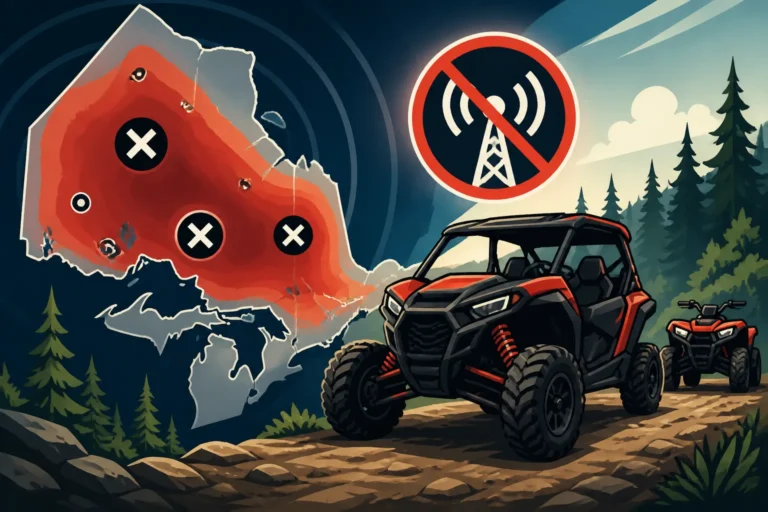
That matters on northern and less-travelled routes, including parts of Algoma and the Mattawa area. A breakdown can become more serious if the group has to split up, a rider is injured, or changing weather makes waiting uncomfortable. Before a trip, check the route and known coverage gaps in Cell Dead Zones in the North, but treat any coverage information as planning help rather than a guarantee.
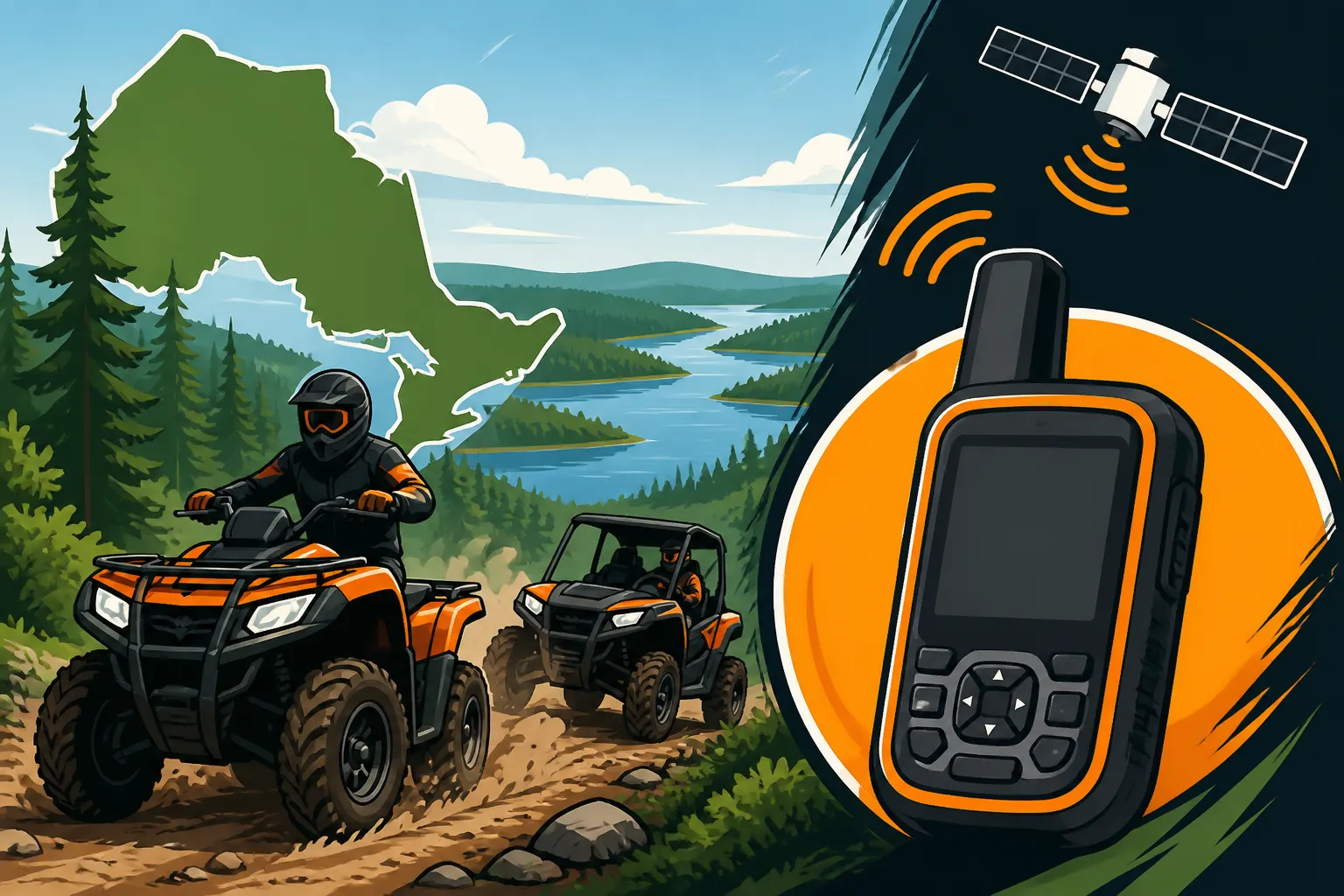
A satellite messenger communicates through satellite networks instead of relying only on nearby cell towers. Depending on the device and service, it may let you send preset messages, exchange messages, share your location, or signal for emergency assistance. Those functions can help when a phone has no service, but they do not remove the need to ride conservatively and carry the basics.
A messenger is one part of a layered safety plan
It is tempting to think of an emergency device as a substitute for preparation. It is not. A messenger cannot prevent a rollover, repair a damaged belt, keep a rider warm, or guarantee that a rescue will arrive immediately. It can provide a way to communicate when other options fail, which is valuable—but only if it is charged, accessible, configured correctly, and usable by the people on the ride.
Think about a simple scenario: your group is on a long loop, a machine breaks down, and one rider has to stay with it while another walks ahead to look for help. If the group has a working messenger and everyone knows how to use it, they may be able to share their location or contact their agreed-upon person without depending on cell coverage. If the device is buried in a locked storage box or nobody remembers how to send a message, it offers much less help.
Your wider plan should include a route, a return time, suitable clothing, water, food, first-aid supplies, and a way to handle common mechanical problems. For remote trips, also think through fuel range and backup options using Carrying Extra Fuel on a Remote Ride. Share your plan with someone who is not on the ride, including the trail area, expected return time, and what they should do if they do not hear from you.
Choosing the right satellite communication option
Understand what each device is meant to do
The phrase “satellite device” covers several kinds of equipment, and they are not interchangeable. A satellite messenger is generally designed to send messages or location updates and may also provide an emergency alert function. A personal locator beacon is primarily an emergency signalling device rather than a routine two-way messaging tool. A phone’s satellite emergency feature, where available and supported, may be useful in a critical situation but should not automatically be treated as a full replacement for a dedicated device.
Start with the way you ride. If you mainly want someone at home to know that the group is delayed, messaging and location sharing may be useful. If the priority is a simple emergency signal, compare devices designed around that purpose. For a long multi-day ride, consider whether you need to check in, exchange messages, or coordinate changes to the route as well as call for help.
| Option | What it may be suited to | Important limitation to consider |
|---|---|---|
| Satellite messenger | Check-ins, location sharing, and two-way messages where supported | Functions and message delivery depend on the device, service, settings, and conditions |
| Personal locator beacon | Sending an emergency distress signal | Often offers less everyday messaging flexibility |
| Phone satellite emergency feature | A backup option for eligible phones and supported situations | Availability and capabilities vary; it may not provide routine messaging |
| Cell phone | Calls, texts, maps, and photos where service is available | A phone alone may not reach anyone in a coverage dead zone |
Do not compare devices only by their advertised feature lists. Look at how the emergency function works, what it asks you to do before sending an alert, whether the device allows messages to be sent to chosen contacts, how it indicates that a message has gone through, and how you can cancel or update an alert if circumstances change. Read the operating instructions before the ride, not after something has gone wrong.
Match the device to the group and the route
A solo rider has different communication needs from a group of several machines. A group may want one person to carry the emergency device, but that arrangement has a weakness: if the group separates, the person without the device may be the one who needs help. Decide in advance who carries it and what the group does if riders become separated. On larger trips, separate devices can provide more flexibility, though every rider still needs to know the plan.
Consider whether your route has dense tree cover, steep terrain, narrow valleys, or long stretches far from roads and communities. Satellite communication can be affected by obstructions and conditions; a device should not be assumed to work instantly from every location. If possible, move to a more open area when it is safe, keep the device positioned as its instructions recommend, and allow time for a message to transmit.
If you already use onX Offroad for route planning, think of it as a mapping tool, not a satellite messenger. You can plan and review a route with mapping software, while a separate communication device may provide a way to contact people beyond cell coverage. onX Offroad should not be treated as proof that you can send a message or emergency alert from a dead zone. For a phone-based map backup, review Downloading Trails to a Phone and make sure the relevant map information is available offline before leaving service.
Preparing a messenger before you ride
Set up contacts, check-ins, and emergency details
Set up the device and any associated account at home, where you have time to read instructions and solve setup problems. Enter the contacts you actually want to receive routine messages, and make sure they understand what your check-in messages mean. A short note such as “stopping for lunch” is different from a request for help; agree on plain language that will not be misunderstood.
Create a check-in schedule that suits the ride rather than one that becomes a nuisance. For example, a group on a long day ride might agree to check in at a planned lunch stop and again when leaving the trail area. Tell your contact what to do if a check-in is late, how long to wait before trying another method, and when to escalate concern. A vague instruction such as “call someone if we’re late” can leave the person at home unsure whether to wait, call, or start contacting others.
Review the emergency information and response steps for the particular device. Make sure riders know how the alert button works, what happens after it is activated, and how to communicate useful details if two-way messaging is available. Avoid experimenting with a live emergency signal. Use the manufacturer’s designated testing process instead, and confirm that every intended user can operate the device without having to search through menus.
Check the device, battery, and map backup
Charge the device before the ride and check its battery status again when packing. Battery life can be affected by how often the device sends location updates, how much it is used for messaging, temperature, and the age and condition of the battery. Do not assume a device that worked on the previous trip is ready for a longer or colder ride without checking it.
Carry it where it can be reached quickly, protected from damage, and used according to its instructions. A device left inside a sealed cargo box may be difficult to access in an emergency. At the same time, avoid attaching it where it could be knocked loose, submerged, or crushed in a rollover. Think about how a rider with gloves on would retrieve and operate it.
Keep offline navigation as a separate backup. onX Offroad may help you review an offline route, but a mapping app and a satellite communicator solve different problems. A map can help you understand where you are and where a trail goes; a messenger may help you communicate from outside cell coverage. Neither should be the only plan. Before departure, check Ontario Trail Conditions Before You Ride and review the route on a map, including possible exit points and places where the group can regroup.
Using a satellite messenger safely on the trail
Agree on a communication routine before separating
Group rides often involve small separations: one machine stops to address a loose strap, a rider takes a slower pace over rough ground, or a couple of people pull over to check a map. Agree that the group will stop at a designated junction or safe waiting point rather than continuing indefinitely. If someone leaves the group to get help, decide who stays with the machine or injured rider, who goes, and how they will keep in touch.
When riding across different trail systems, make sure the route plan accounts for boundaries, closures, and changing conditions. A group should not assume that every rider has the same map, permit, or knowledge of the next trail section. Riding With a Group Across Club Lines can help you think through the coordination issues that come with crossing between club areas. If you use onX Offroad or another mapping app, make sure everyone understands which route is the agreed route and where to regroup if the group becomes separated.
Use routine messages sparingly and clearly. A short message with a location and an update—such as “stopped at the planned junction, machine issue, everyone safe”—is more useful than an ambiguous message that leaves the recipient guessing. If you are delayed, tell your contact whether you are continuing, waiting, or changing the route. Keep emergency communication for actual emergencies, and know what to do if a message appears to be pending rather than delivered.
Know what to do when something goes wrong
If a rider is injured or faces an immediate serious danger, focus first on immediate safety and appropriate emergency action. Use the device’s emergency function according to its instructions, provide clear information about the situation and location if prompted, and keep the device available for follow-up communication. If you can safely do so, stay where rescuers can locate you rather than moving farther into unfamiliar terrain.
For a non-emergency breakdown, first assess whether anyone is hurt and whether the machine can be moved safely. If the group can repair the problem, share a clear update with the contact at home so they do not mistake a delay for an emergency. If help is needed, state what is wrong, how many people are there, whether anyone is injured, and what you need. A concise, factual message is easier to act on than a long explanation sent under stress.
A satellite messenger is most useful when it is part of a routine everyone understands. Before starting, identify who will carry the device, who knows the emergency procedure, what your check-in times are, and what happens if the group splits up. Review What a Trail Patroller Checks so riders understand the kinds of information and preparedness that may matter during a trail encounter. Then keep your route and timing realistic: if weather, trail conditions, or a mechanical problem changes the plan, tell your contact rather than silently pushing on.
Disclaimer
This article is for general informational purposes only and does not constitute professional advice. Laws, prices and regulations vary by location and change over time. Consult a qualified professional for guidance on your specific situation.