Showing a Permit on a Phone
A phone is handy on an Ontario ATV ride, but a saved permit receipt may not be the same thing as the permit required on the machine. Knowing what to display, what to carry and what a trail patrol may check can prevent a phone problem from becoming a ride problem.
What a phone permit can and cannot do
First, separate two things riders often call a “permit.” Ontario vehicle registration documents are not the same as an ATV trail permit. Registration identifies the vehicle and its registered owner; a trail permit gives access to the trails covered by the permit issuer’s rules.
A phone may be useful for keeping a purchase confirmation, account details or digital document close at hand. But don’t assume that showing a receipt on your screen replaces any physical trail permit, sticker or display requirement. The accepted proof depends on the permit program and the instructions from the organization that issued it.
For many organized trail systems, a vehicle must display its trail permit as directed. A screenshot showing that you paid is evidence of a transaction, but it may not prove that the correct permit is attached to the correct machine or displayed where required. Check the current instructions before riding, especially if your permit was bought online, is newly issued or is for a short-term visit.
| What you have | What it can help show | What it may not replace |
|---|---|---|
| Purchase confirmation on your phone | That a permit was ordered or paid for | A required decal or other machine display |
| Digital permit or account screen | Permit details, if the issuer accepts that format | Separate vehicle registration or insurance documents |
| Photo of a permit decal | What the permit looks like or where it belongs | The actual decal required on the machine |
| Vehicle registration permit | Registration details for the ATV or UTV | Trail access permission |
| Trail permit decal | That the machine has the required trail permit, if properly displayed | Registration and insurance requirements |
The first practical question is: what does the permit issuer actually require you to show? Read the confirmation email and the issuer’s current permit instructions, not just the payment screen. If the instructions call for a sticker on the vehicle, put the sticker on before leaving. If the issuer explicitly provides an approved digital permit, save it in the format and account it specifies.
This distinction matters because a phone can confirm that you bought something without proving that the machine you’re riding is covered. For example, the purchase might be for a different vehicle, a different permit period or a different trail area. A patrol may need to verify the machine as well as the purchase.
If you’re buying an OFATV permit, review The OFATV Permit and What It Costs in Ontario and the issuer’s current directions for that permit. Permit arrangements can differ between trail systems. Some organizations issue or require a separate pass, so an OFATV permit should not be assumed to cover every Ontario trail. Ontario’s Separate Club Passes explains why riders may need to check the specific club or trail network before setting out.
A phone is best treated as a backup record unless the issuer clearly says it is the approved way to present the permit. That simple approach avoids relying on an assumption at a trailhead or during a patrol check.
Set up your permit and phone before the ride
Do this while you still have reliable internet, battery power and time to fix a mistake. A permit confirmation that is easy to open at home can be difficult to retrieve in a remote area with weak reception.
- Confirm the permit covers your ride. Check the issuing organization, trail area, dates and machine details. If you’re joining trails operated by another club, verify whether your permit is accepted there. Does Your Permit Cover the Next Club’s District? covers that cross-club question.
- Read the display instructions. If the permit comes with a decal or other physical item, find out where it must go and whether it has to be visible. Don’t wait until you reach the trailhead to discover that it needs to be attached before riding.
- Save the official confirmation. Keep the original email or document available offline. If the issuer has an app or account page, sign in at home and check that you can locate the permit details. A screenshot can be a useful backup, but keep the original file or account access too.
- Check the machine details. Make sure the permit information corresponds to the machine you’re taking. This matters when a household has more than one ATV or UTV, or when a permit is purchased for a family member.
- Carry other required documents separately. A trail permit does not replace the vehicle registration permit or proof of insurance. Keep the documents required for your ride accessible in the way applicable rules and your insurer require.
- Protect your phone. Use a secure mount or keep the phone in a protected pocket or pouch. A waterproof case or pouch can reduce the risk of rain and mud making the screen unusable; if you need one, compare the fit and touch-screen access rather than choosing by appearance alone. Basic phone pouches are also sold through retailers such as Amazon.
- Plan for a dead battery or damaged screen. Bring a power bank if it suits the length of the ride, and don’t make your only proof dependent on a phone that may be lost, broken or wet.
If you buy the permit shortly before riding, take extra care. Wait for the issuer’s confirmation and read any instructions about when it becomes valid and how it must be displayed. A payment receipt alone may not settle whether the permit has been issued, whether a decal is still required, or whether your machine is covered. Buying an OFATV Permit the Morning of Your Ride is useful when you’re making a last-minute purchase.
A clear photo of your decal can help you remember the permit number or keep a record if the sticker is damaged. It is not a substitute for a required physical decal. Likewise, a photo of another machine’s permit, a forwarded receipt or a screen from a family member’s account may not establish that your own machine is covered.
If a permit sticker is peeled, torn or hard to read, check the issuer’s replacement process rather than trying to rely on a phone photo. See Does a Peeled-Off Permit Sticker Still Count on Trail? for the specific issue of a decal that is no longer properly attached. For physical sticker details, What an OFATV Trail Permit Sticker Looks Like and Where the Sticker Goes can help you check that you’ve received and displayed the right item.
What to do if a trail patroller asks to see it
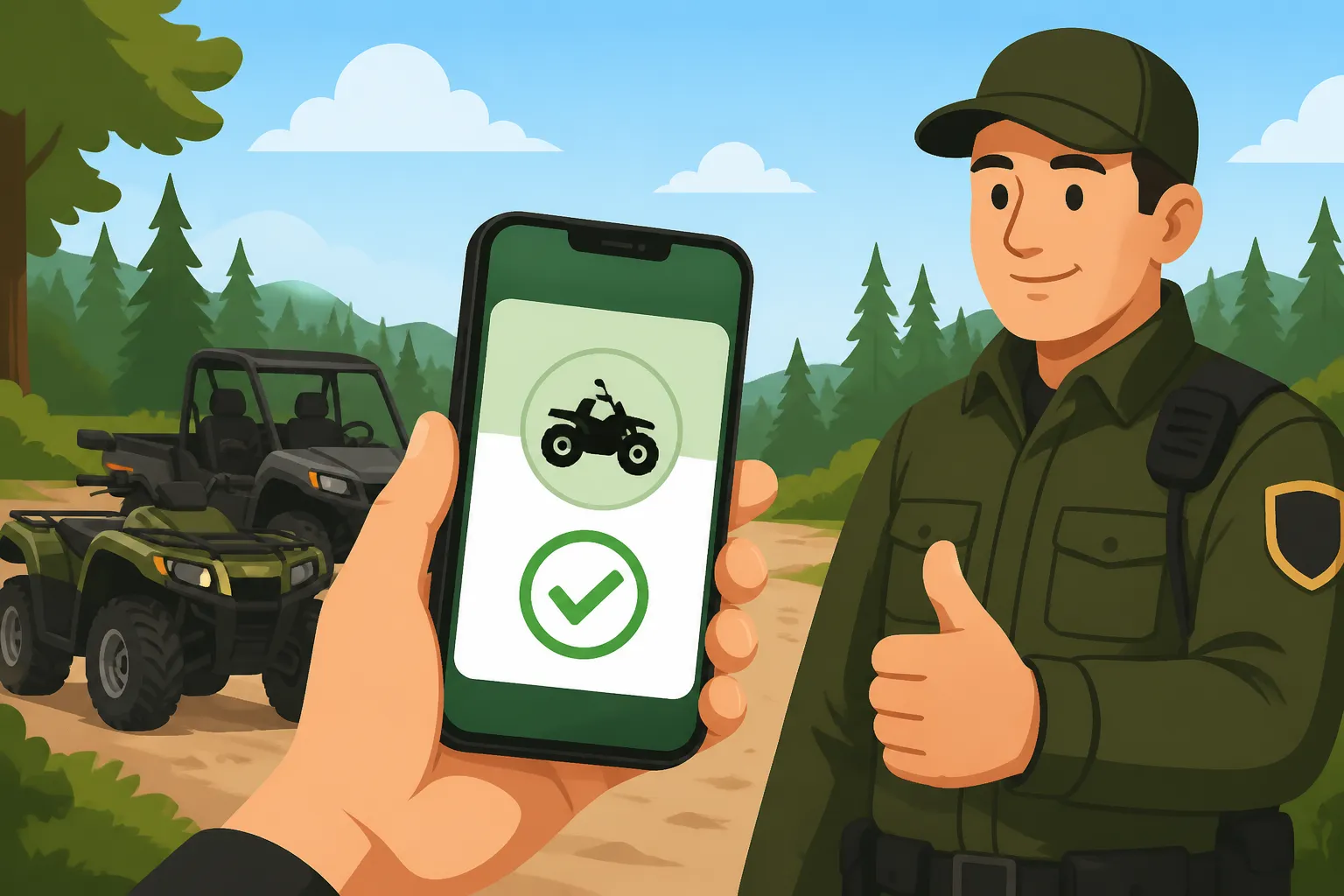
A patrol check is easier when you can calmly show the required permit and documents without having to search through messages or depend on a signal. If a patroller asks to see your permit, stop safely, follow their directions and show the permit in the format required by the issuer. If you are using your phone as supporting proof, open the relevant confirmation or permit screen before handing over or presenting the device.
Keep the screen brightness high enough to read, and have the important page ready. Scrolling through a long email while wearing gloves, in rain or beside a busy trail is awkward and increases the chance of dropping the phone. A saved offline copy is especially useful where cellular service is unreliable, but it still does not change the permit issuer’s display rules.
A patroller may need to confirm more than whether money changed hands. Depending on the permit and trail system, useful details can include the permit holder, vehicle, valid period and trail area. A phone screen that shows only a bank transaction or a generic order number may not answer those questions. The issuer’s official document or account record is usually more useful than a payment notification.
If you cannot open the proof, explain what happened and show any available information without assuming the issue is resolved. A dead battery, no signal or a missing email does not automatically make a missing required decal acceptable. Contact the issuing club or permit provider as soon as practical to ask what they can verify and what steps you need to take. Keep a record of the advice and follow any instructions they provide.
If the screen shows a permit but the physical decal is missing, damaged or attached to the wrong machine, don’t treat the phone display as an automatic fix. Ask the issuer how to correct it. For a lost permit, follow the replacement procedure described in Replacing a Lost Trail Permit, rather than printing or copying a screen image and assuming that will satisfy the requirement.
There are two separate checks to keep in mind:
- Trail access: Does the permit cover this machine and the trail you’re riding, and is it displayed or presented as required by the issuer?
- Road and vehicle compliance: Do you have the registration and insurance documents required for the machine and the type of riding you’re doing?
A trail permit does not make an ATV road-legal, and a registration permit does not grant access to a club trail. If your route includes roads, confirm the separate rules for the road and municipality. For document basics, Carrying the Permit or a True Copy and Carrying Permit and Insurance Together are relevant reminders.
Before departure, use this quick check:
- The permit is for the correct machine and trail area.
- Any required decal is attached and visible as directed.
- The official confirmation or digital permit is saved for offline use.
- The phone is charged and protected from water and impact.
- Registration and insurance documents are available separately.
- You know how to contact the permit issuer if something does not match.
The safest rule is straightforward: use your phone to support your permit, not to assume away a display requirement. Check the permit issuer’s current instructions, carry the documents required for the ride, and make sure the machine itself has any required permit decal before you enter the trail.
Disclaimer
This article is for general informational purposes only and does not constitute professional advice. Laws, prices and regulations vary by location and change over time. Consult a qualified professional for guidance on your specific situation.